

An Agentless Monitoring Tool for JD Edwards Users
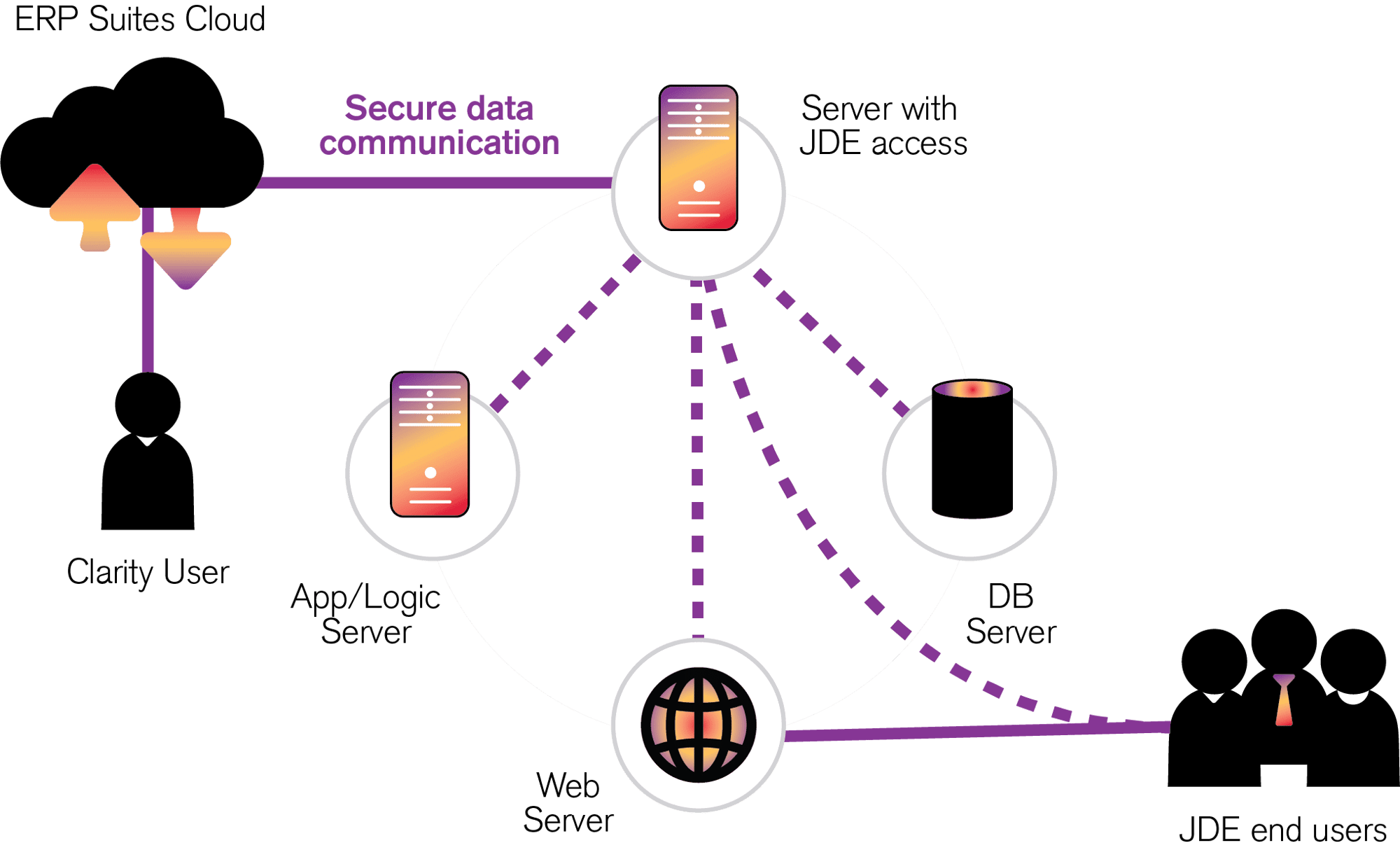
Although ERP Suites Clarity is an agentless solution, it does rely on a central “collector” within your environment. The collector is installed as two Windows services and typically placed on the JDE deployment server. However, any Windows system (2008 or above) with access to all the necessary servers will work.
Installation requires:

Less than 100MB of disk space
Network accessibility to make outbound calls
C++ Redistributor version 2013 or newer
ERP Suites Clarity relies on a central “collector” to gather and process metric data then securely transfer it to the ERP Suites Cloud.
Technical requirements:
- Tools Release 9.1+
- Supported browser
- Google Chrome 48 or above
- Mozilla Firefox 50 or above
- Safari 10 or above
- Internet Explorer 10/11
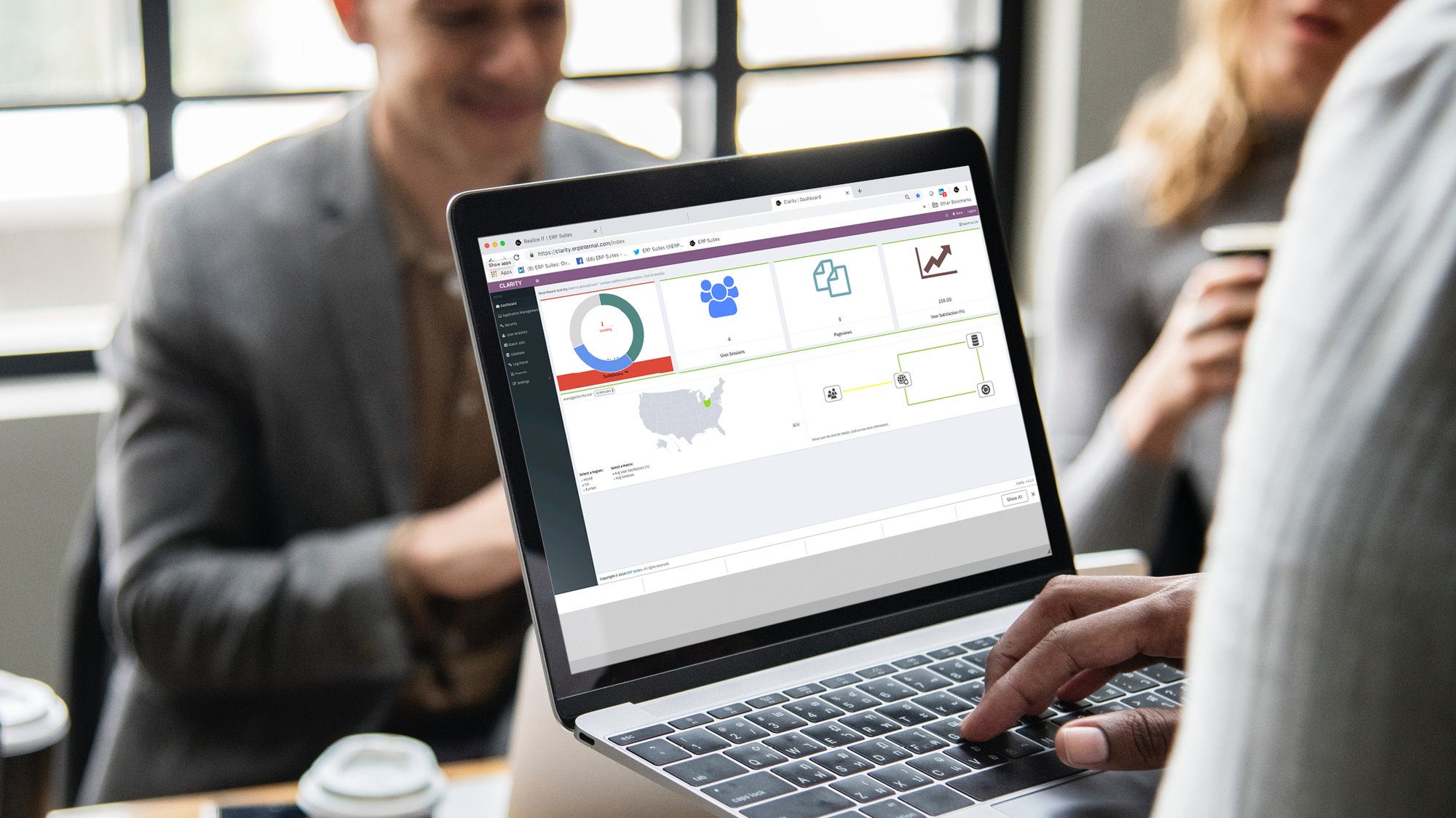
ERP Suites Clarity by Module
Account administrators are essential to Clarity configuration. They provide the pathways to the servers you want to monitor, which in turn feed each of Clarity’s modules.

Analytics
Including page load time by user, application or browser

Application Management
Including historical utilization

Batch Jobs
Including UBE analysis
Database Management
Including the most expensive queries

Log Parser
Including personal subscriptions

Monitoring
Including a list of login errors

Reports
Including the slowest applications

Security Management
Including suspicious login activity
Look Beyond the Range of Server Manager
Clarity isn’t the only source for real-time data or a 24-hour overview. JD Edwards Server Manager provides it too. But for greater detail and in-depth history, Server Manager users must run JDE Application Management Suite (AMS4JDE) under Oracle Enterprise Manager (OEM). On the other hand, Clarity users find it all in one tool at a significantly lower cost.